
Top 10 Free Sound Editor Software
If you’re looking for a tool to help create a ringtone for your smartphone, a soundtrack for your home movies or an app to help you convert your old record …
Free Download for Windows 11/10
Version 8.0.0 · No sign-up · Direct Windows download
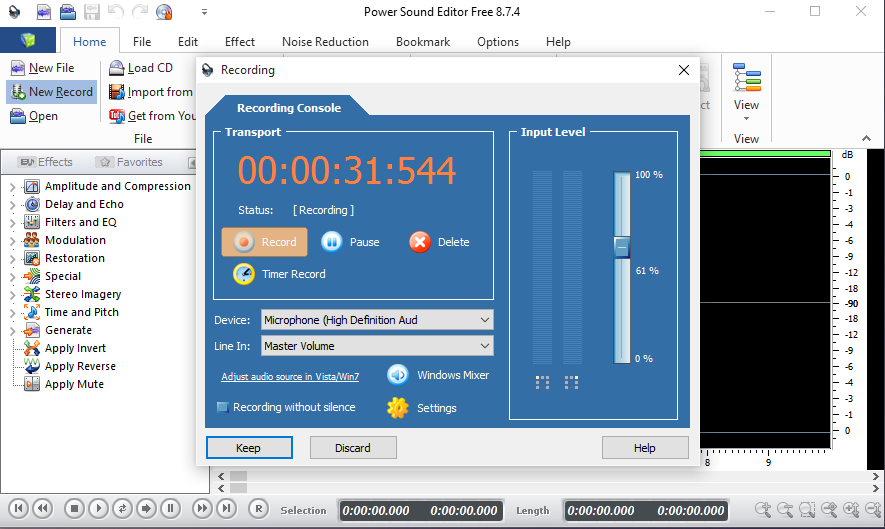
Capture audio from a microphone, sound card, line-in and other supported input sources, then edit the recording in the same Windows application.
Select audio directly on the waveform to cut, copy, paste, delete, crop or mix. Preview edits before saving your MP3, WAV, WMA or OGG file.
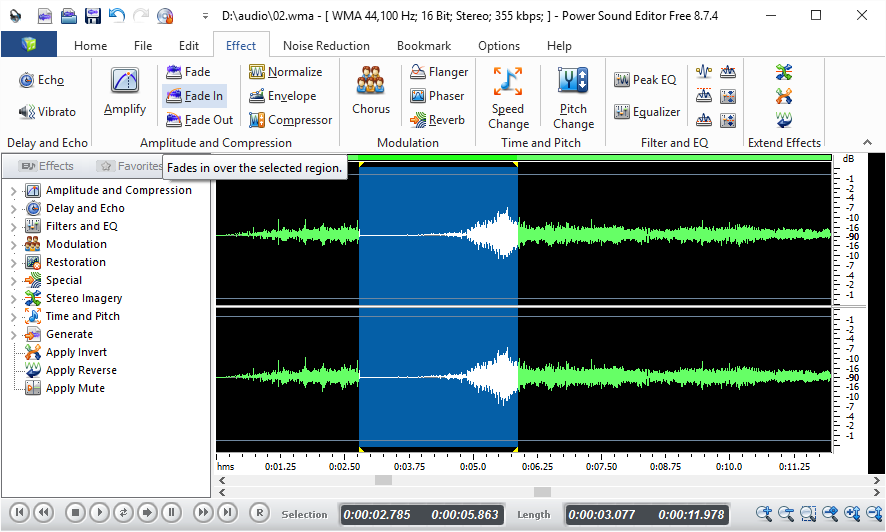
Apply fade in and fade out, normalize, amplify, equalizer, echo, chorus, reverb, reverse, pitch shift and other practical audio effects.
Power Sound Editor Free 8.0.0 supports Windows 11 and Windows 10 and handles MP3, WAV, WMA, OGG, MP2 and VOX audio formats.

If you’re looking for a tool to help create a ringtone for your smartphone, a soundtrack for your home movies or an app to help you convert your old record …

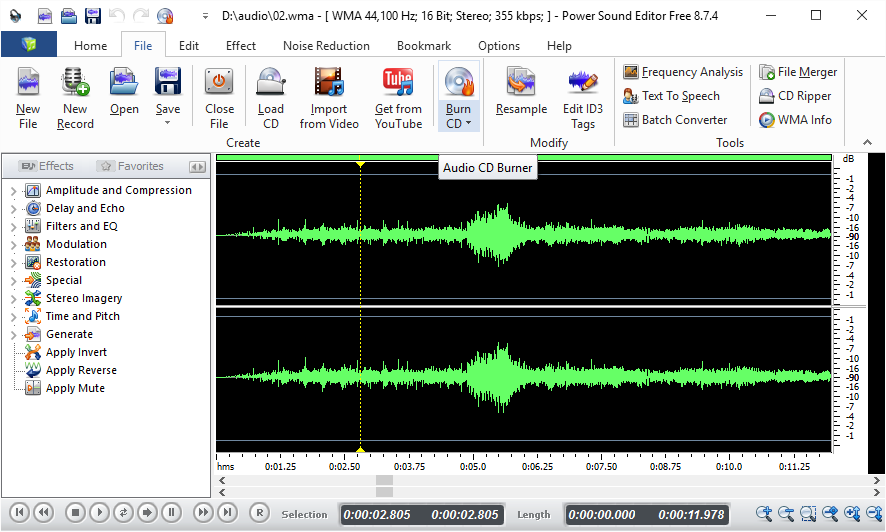
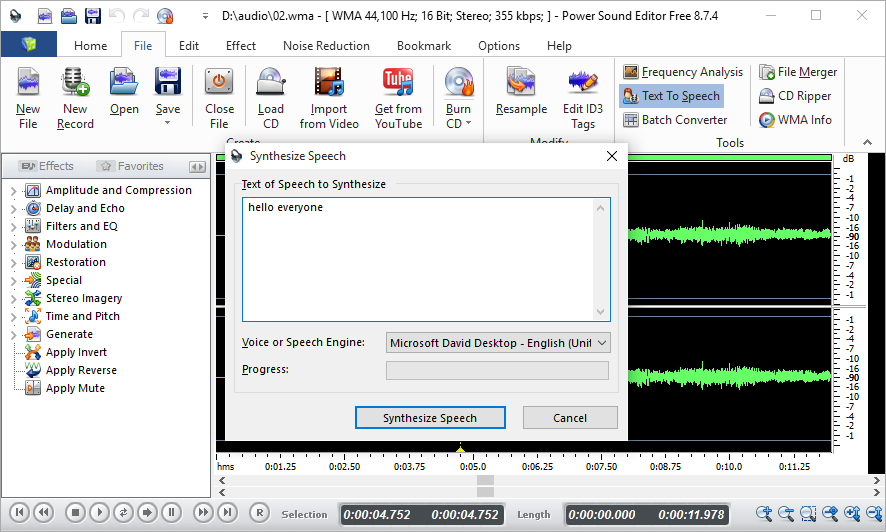
Power Sound Editor Free is a handy little tool with small size for audio editing, recording, audio CD burning and ripping. Do you want to add some narration to the …
Learn how to edit audio on Windows 11: import MP3 or WAV files, cut unwanted sections, add fades, adjust volume and export the finished audio.

Editorial update for Windows 11 and Windows 10: This evergreen guide explains the features that matter when choosing a free sound editor. For a hands-on walkthrough, see how to edit …

The digital recording equipment today is the most advanced, available at a fair price. However, the equipment is laborious and complicated to use. Not to worry though, PowerSE Media has …

Power Sound Editor Free is one of the most versatile audio editors in the market today. It is a product of PowerSE Media, and it allows you to edit music …

Using a modern PC? Start with our complete Windows 11 audio editing guide, then return here for creative MP3 effects. There are certain times when you are not satisfied with …